Spotify → Apple Music
Your Spotify recommendations, in Apple Music
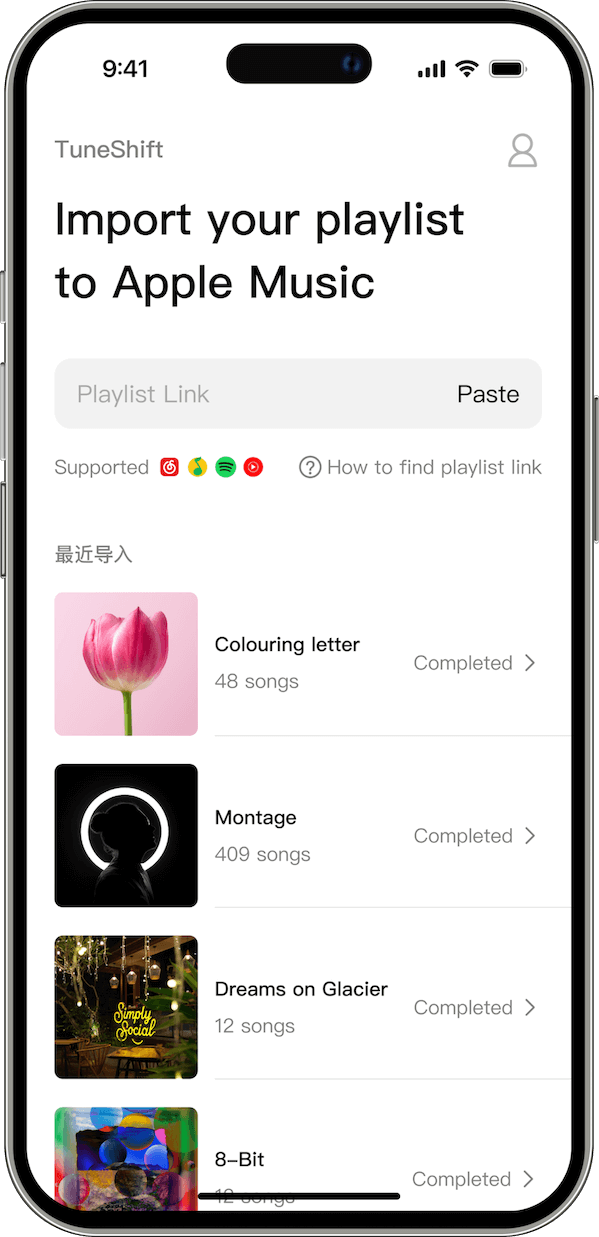
Keep discovering music with Spotify and listen in Apple Music. TuneShift brings songs from your personalized Spotify recommendations into a dedicated Apple Music playlist.
Daily Recommendations also supports NetEase Cloud Music and QQ Music. Choose your source in TuneShift and sync its recommendations to Apple Music.
Download TuneShiftConnect your music account
Open Daily Recommendations in TuneShift, choose Spotify and sign in to your source account.
Review and sync
Load your recommendations, then start the sync. TuneShift matches the tracks against the Apple Music catalog and shows the matching results.
Listen in Apple Music
Open the dedicated recommendation playlist in Apple Music. Sync again when you want to replace its tracks with your latest recommendations.
Requires an active Apple Music subscription, music access permission and Sync Library enabled. Availability varies by account and region; some tracks may not match. Free syncs are limited; more syncs require Premium.
What is TuneShift?
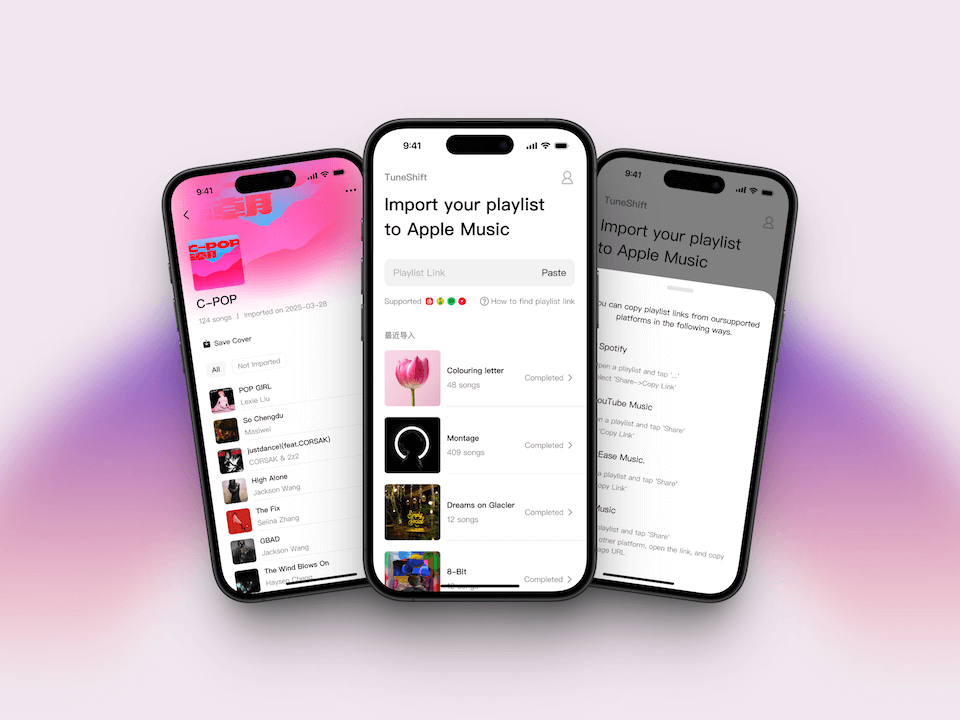
The Ultimate Music Migration Tool
TuneShift is a powerful music migration tool designed to simplify the process of transferring your music library to Apple Music from various streaming platforms.
Keep discovering music with Spotify and listen in Apple Music. TuneShift brings songs from your personalized Spotify recommendations into a dedicated Apple Music playlist.
Features
TuneShift offers everything you need to make your transition to Apple Music smooth and hassle-free.
One-Click Transfer
Migrate your entire music library with a single click. No manual work required.
High Accuracy Matching
Our advanced algorithm ensures your songs are correctly matched on Apple Music.
Unlimited Transfers
Transfer as many playlists and songs as you want with no artificial limits.
Preserve Your Music Identity
Keep your carefully curated playlists and favorites exactly as they were.
Time-Saving Solution
What would take hours manually is completed in minutes with TuneShift.
Secure and Private
We never store your music data or personal information longer than necessary.
Supported Platforms
Transfer your music from any of these platforms directly to Apple Music with just a few clicks.
Multiple Sources, One Destination
TuneShift supports transfers from major music streaming platforms. Whether you're coming from Spotify, YouTube Music, or any other service, we've got you covered.
Our comprehensive platform support ensures you can consolidate all your music into Apple Music, regardless of where it's currently stored.




How to Use
Transfer your music in three simple steps. Transfer time varies based on playlist size.
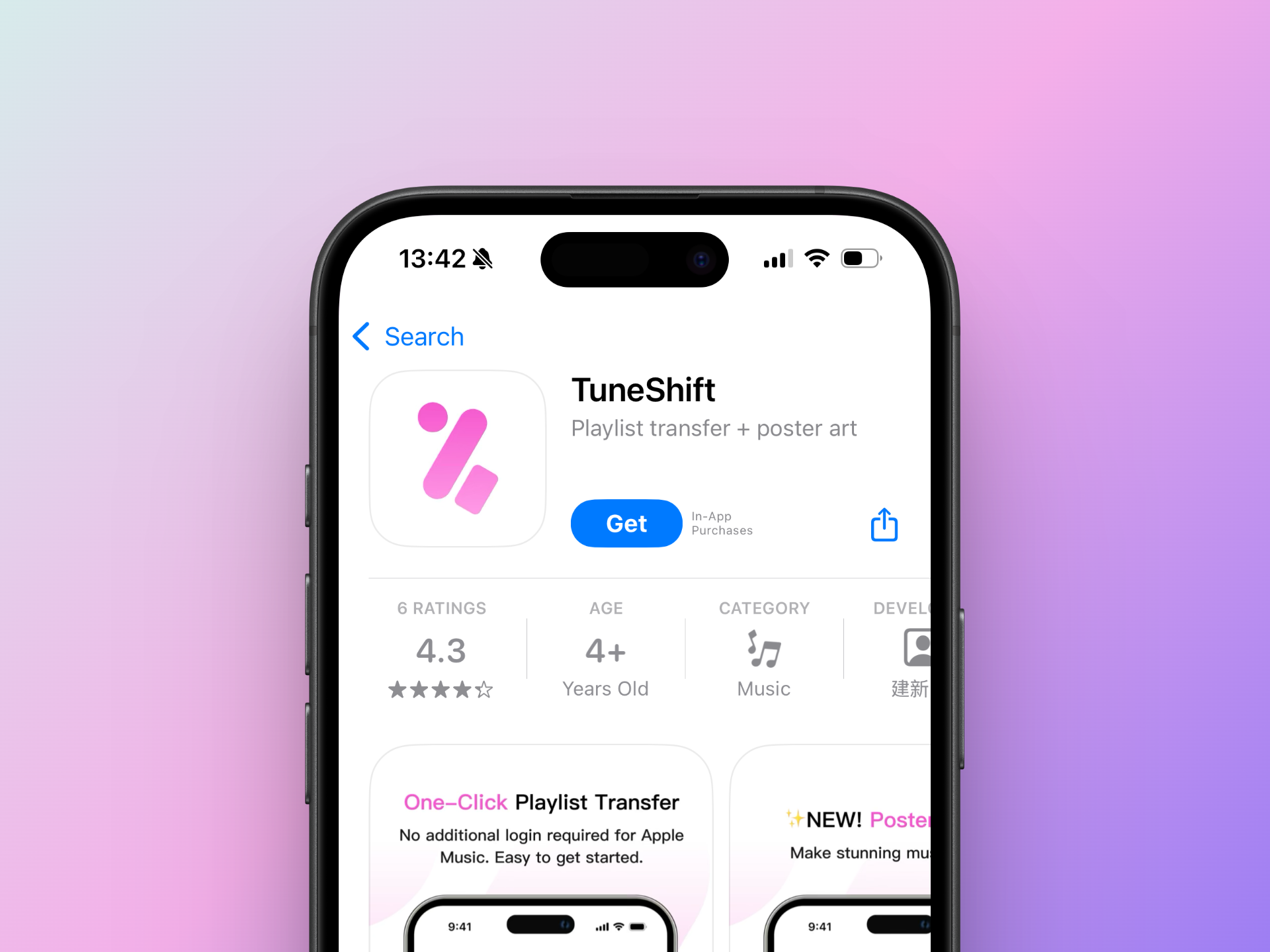
Download TuneShift
Get TuneShift for free from the App Store (iOS only). Premium features available via in-app purchase.
- Available exclusively on iOS
- Free download with premium features
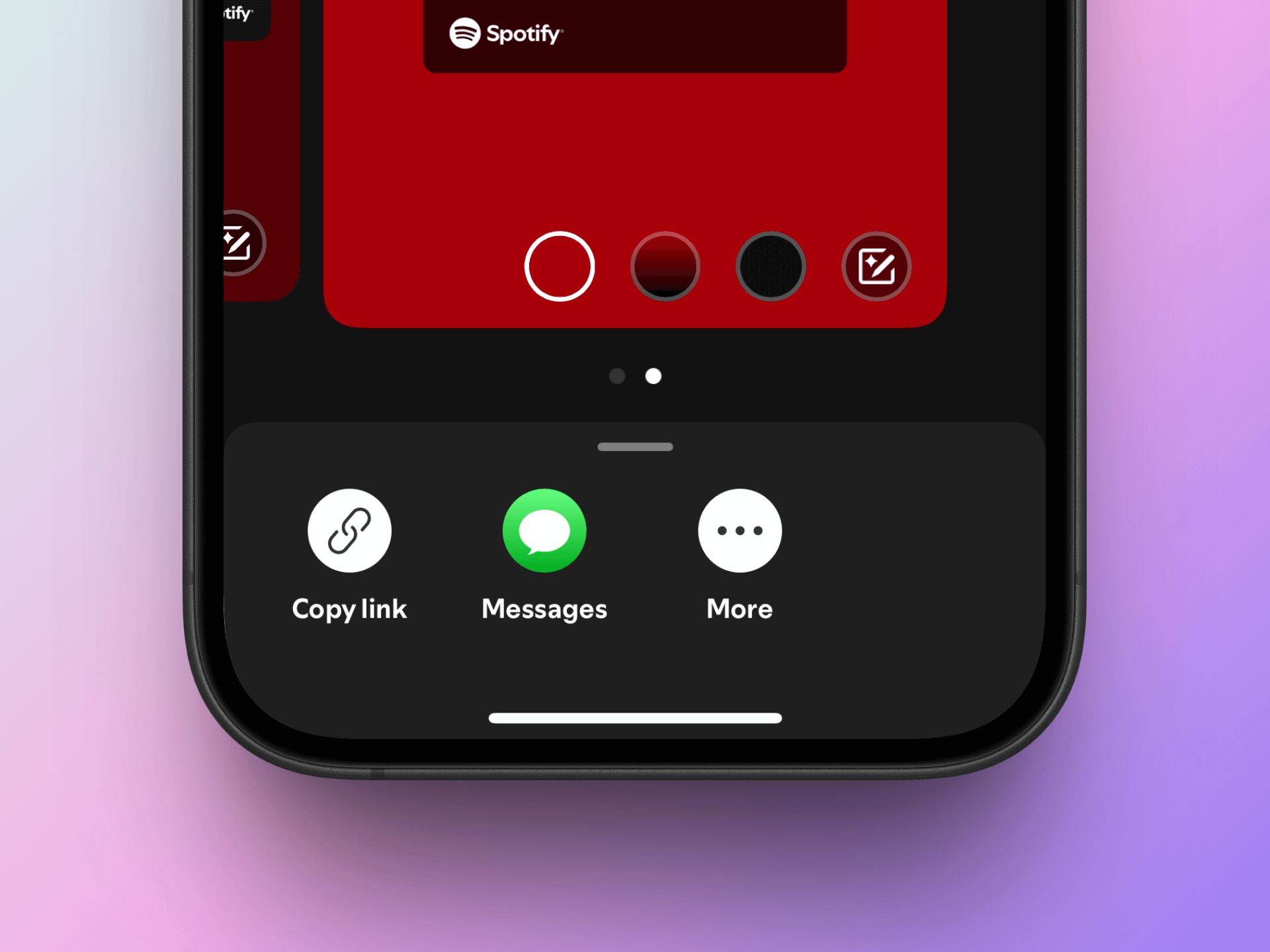
Select Playlists
Open your music platform (like Spotify) and choose playlists to transfer.
- Supports major platforms like Spotify
- Transfer entire playlists or selections
- Preserves playlist names and covers
Start Transfer
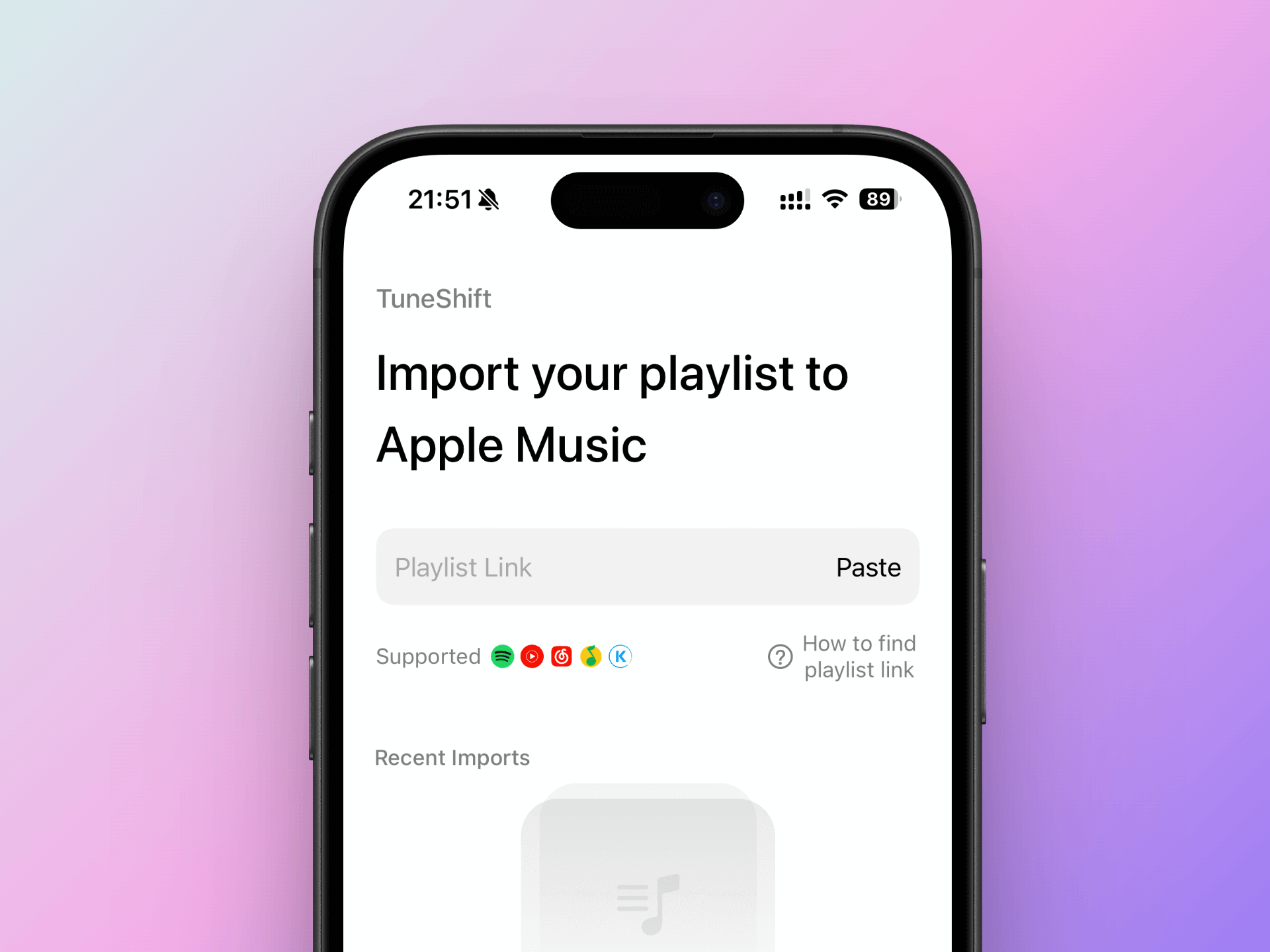
Paste the playlist link in TuneShift and let our refined algorithm match your songs.
- Transfer time depends on playlist size
- Refined algorithm for accurate matching
- View transfer history anytime
Frequently Asked Questions
Get answers to the most common questions about music transfer